Website CRM integration: every lead captured, attributed and followed up.
Search for website-CRM integration and you'll find tutorials that assume you'll build it yourself. This page is the other option: we wire your website into your CRM as a service — store-first architecture, real attribution, deduplication and instant notifications — done by a team that builds CRM software for a living.
The integration has one job: every inquiry that touches your website becomes a record in your CRM with its context attached — which page, which campaign, which language — without a human copying and pasting. Most businesses lose leads precisely in that copy-paste gap, and most DIY integrations lose them more quietly: a webhook fails silently, a duplicate creates two deals, attribution never gets captured, and nobody notices for months.
We build the version that doesn't fail silently. Leads are stored on your own site before being forwarded anywhere, so an outage never eats an inquiry. Forwarding to the CRM happens server-side with idempotency keys, so retries never duplicate. And UTM parameters, referrer and first-touch data are captured at the visit — not at submit time — so you can finally see which channel pays.
One distinction worth making: our website automation service is the broader operations layer — follow-up sequences, bookings, multi-tool workflows. This page is the CRM wiring itself: getting every lead from your forms into your CRM, correctly, with context, every time. Start here if lost or unattributed leads are the problem; add automation when you want the machine to act on them.
What the integration includes
- ●Store-first architecture: every lead saved on your site before forwarding anywhere
- ●Server-side API integration with your CRM — keys never exposed in the browser
- ●Full attribution attached: UTM parameters, referrer, page, language, first and last touch
- ●Deduplication and idempotency so one visitor never becomes two deals
- ●Instant notifications to whoever follows up — email, Telegram or WhatsApp
- ●Spam defense (honeypots, rate limits) so your CRM stays clean enough to trust
Store first, forward second
The single most important architectural decision in a website-CRM integration is where the lead lives first. The fragile pattern posts your form straight to a third party: when that endpoint hiccups — expired API key, rate limit, outage, changed field — the lead vanishes, and because the form still showed 'thank you', nobody knows. That's not a hypothetical; it's the default failure mode of quick integrations.
Our integrations store every submission in your site's own database first, then forward to the CRM as a second step with retries and an idempotency key. If the CRM is unreachable for an hour, the leads queue and deliver when it returns. If it's unreachable for a day, you still have every lead on your side and a notification telling you the forwarding is failing — loudly, not silently.
- ●Lead persisted locally before any third-party call is attempted
- ●Server-side forwarding with retries — never fire-and-forget from the browser
- ●Idempotency keys so retried deliveries never create duplicate records
- ●Failure alerts: when forwarding breaks, a human finds out the same day
- ●Field mapping agreed up front, so CRM records arrive complete, not half-filled
Attribution: knowing which channel actually pays
A lead without its source is just an email address. The question your CRM should answer — which marketing actually produces customers — requires capturing context the moment a visitor first arrives: UTM parameters from the ad or email, the referrer, the landing page, the language. Capture it at submit time instead, and it's often already gone; the visitor browsed three pages and the campaign parameters vanished from the URL.
We capture first-touch and last-touch context at the visit and attach it to every lead the CRM receives. Months later, when you're deciding where next quarter's budget goes, your pipeline can be segmented by real acquisition source instead of a 'Direct / unknown' column that quietly swallowed your ad spend.
Which CRMs, and what if you don't have one
Any CRM with an API or webhook endpoint can be integrated — which covers virtually every modern system. The method adapts to what your CRM offers: direct API where available for the best field mapping, webhooks or an automation layer where that fits better. We're not resellers for any CRM vendor, so the recommendation you get is based on what fits your operation, not on a commission.
If you don't have a CRM yet, that's a normal starting point — we'll tell you honestly whether you need one now or whether 'form, organized storage, instant alert' covers your current volume. And we know this territory from the inside: we build and operate Karkium CRM, a live SaaS platform you can inspect in our portfolio. Deduplication, retries, webhook failures, field mapping — these are problems we solve in our own product, not concepts from a tutorial.
Stop losing leads between your website and your CRM.
Start my websiteBuilt by a team that builds a CRM
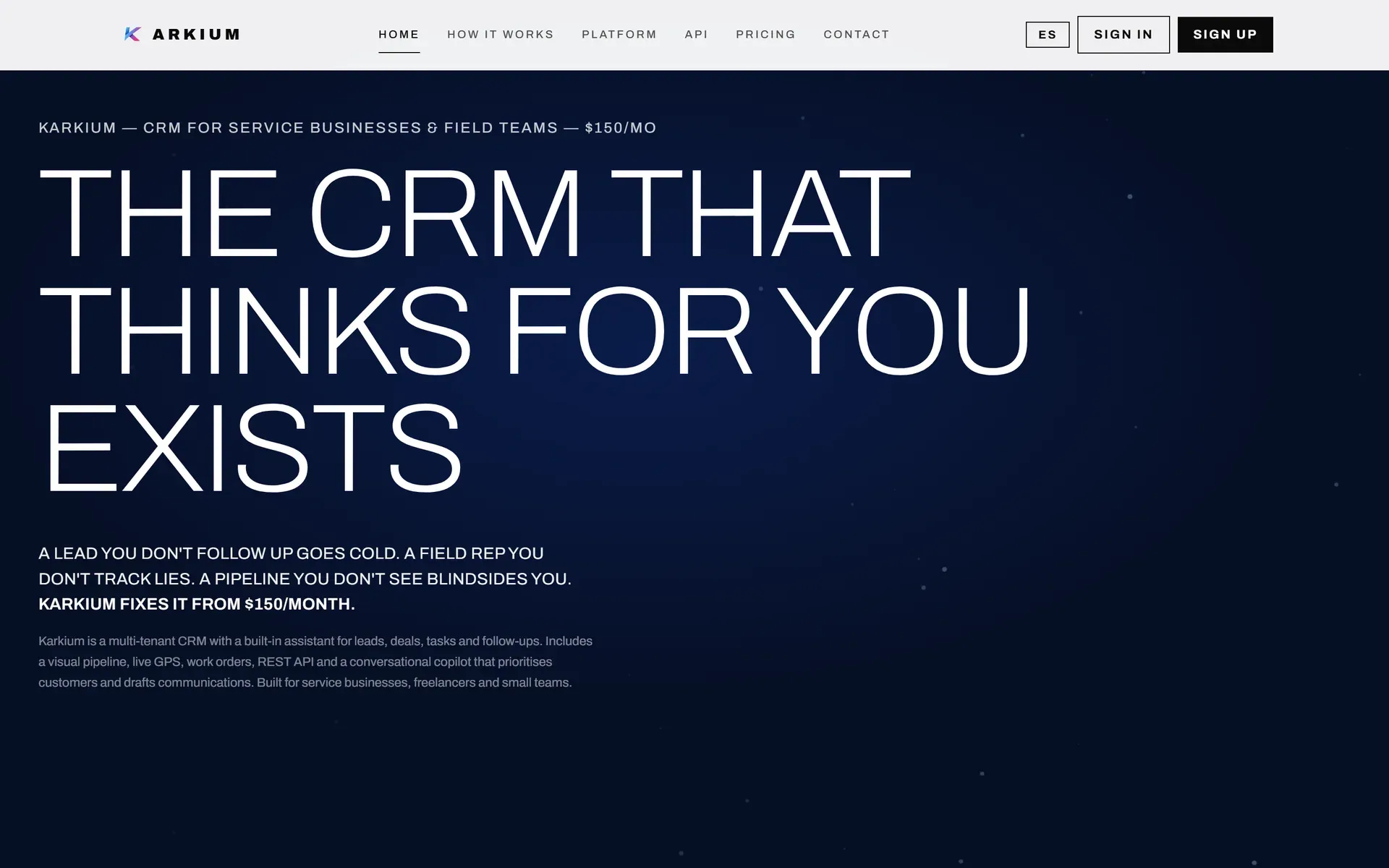
Karkium CRM — our own product, live in the portfolio — is a multi-tenant CRM platform with leads, pipelines and a REST API. When we integrate your website with a CRM, we're working on both sides of a wire we build software for.
Which CRMs do you integrate with?
Any CRM with an API, webhook support or a structured import path — which includes virtually every modern CRM. The integration pattern is the same everywhere: store first, forward with context, dedupe. Tell us your CRM in the project form and we'll confirm the method.
We don't have a CRM yet. Can you help us choose one?
Yes, honestly: we'll tell you whether you need a CRM at all at your current volume, and if you do, what fits your operation. We build our own CRM (Karkium), but the integration work is CRM-agnostic — we wire your site to whatever you choose.
How long does a website-CRM integration take?
A single form with storage, notification and attribution is typically days of work, not weeks. Multi-form setups with assignment rules, deduplication policies and sequence triggers take longer. You'll get a real timeline with your quote.
What happens to leads if the CRM goes down?
Nothing is lost. Every lead is stored on your site first; forwarding retries automatically when the CRM returns, and idempotency keys are designed so retries never create duplicates. If forwarding stays broken, you get alerted — the failure is loud by design.
Is this the same as your website automation service?
No — automation is the broader operations layer: follow-up sequences, bookings, multi-tool workflows. CRM integration is the wiring underneath it: getting every lead from your website into your CRM correctly, with attribution. Most automation projects start with this integration as the foundation.
Related services
Stop losing leads between your website and your CRM.
Tell us which CRM you use — or that you don't have one yet — and how inquiries reach you today. You'll get a concrete integration proposal.